Why I built this
YouTube's recommendation algorithm is a black box you can't control. You can like videos, watch more of what you want, skip what you don't — and your feed still takes days to shift. Sometimes it never does.
I kept running into the same thing. Watch some brainrot before bed — just dumb stuff to turn my brain off — and the next morning my entire feed is brainrot. I wanted news. I wanted basketball highlights. Instead I'm getting recommended the exact content I watched for 20 minutes the night before.
It's not just me. A friend of mine literally made multiple Google accounts to deal with this. One for tech content, one for sports, one for everything else. That's how bad the problem is — people are creating entire accounts just to get different recommendations.
So I built something simpler. You define categories with weighted keywords, and the app pulls YouTube videos matching those keywords in the proportions you set. Want mostly baseball with a little F1? Set the weights. Switch to music whenever. No algorithm training, no waiting, no second account.
How it works
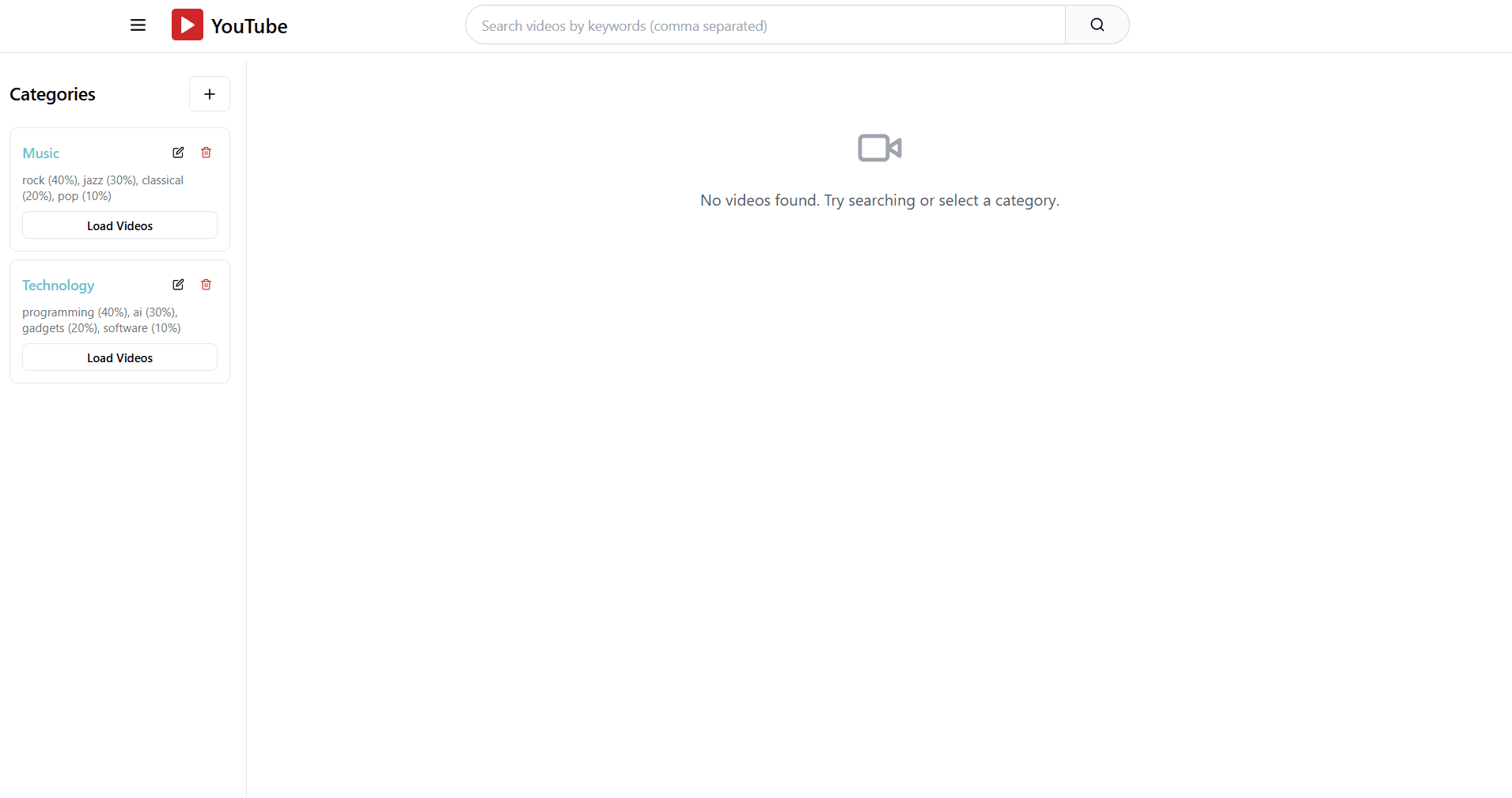
You start with an empty feed and a sidebar for categories.
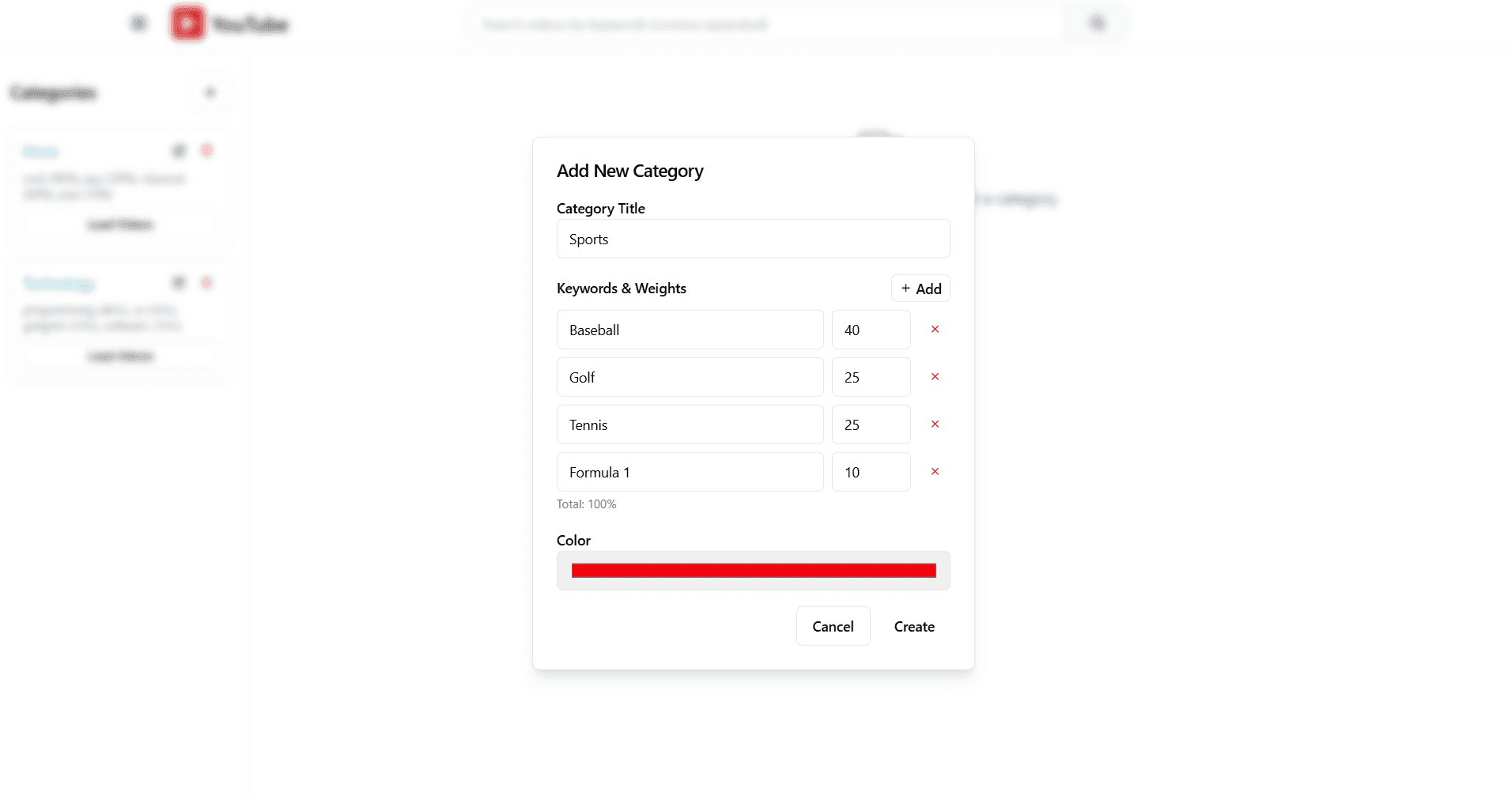
Hit the + button to create a category. Each one gets a title, keywords, and weights. The weights are percentages that control how much of each keyword shows up in your feed. Here I'm making a Sports category — 40% Baseball, 25% Golf, 25% Tennis, 10% Formula 1.
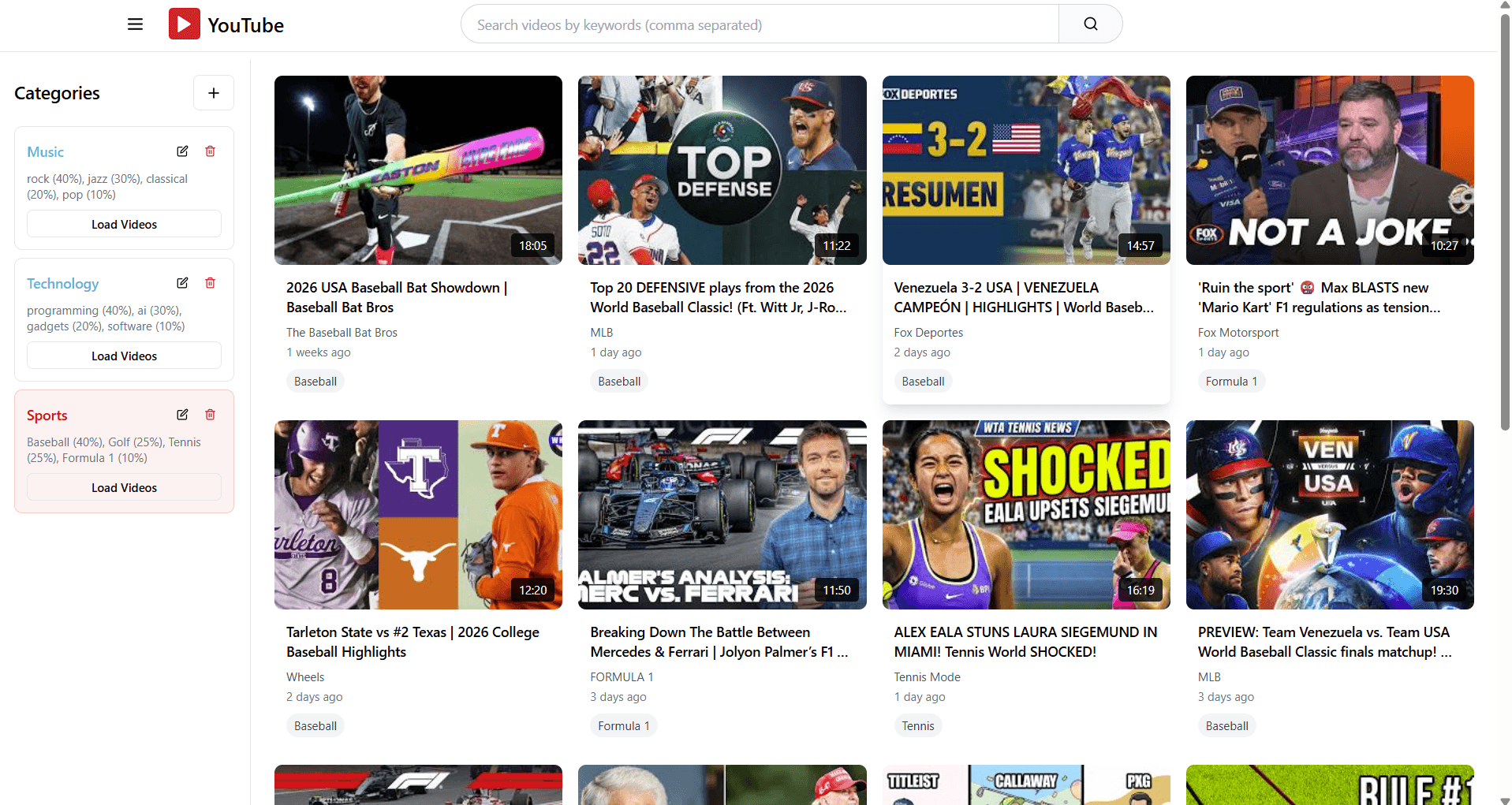
Hit "Load Videos" on a category and the feed fills up. The app queries the YouTube Data API using your keywords and pulls results proportional to the weights. 40% Baseball means roughly 40% of the videos are baseball content. Each video gets tagged with which keyword it matched.
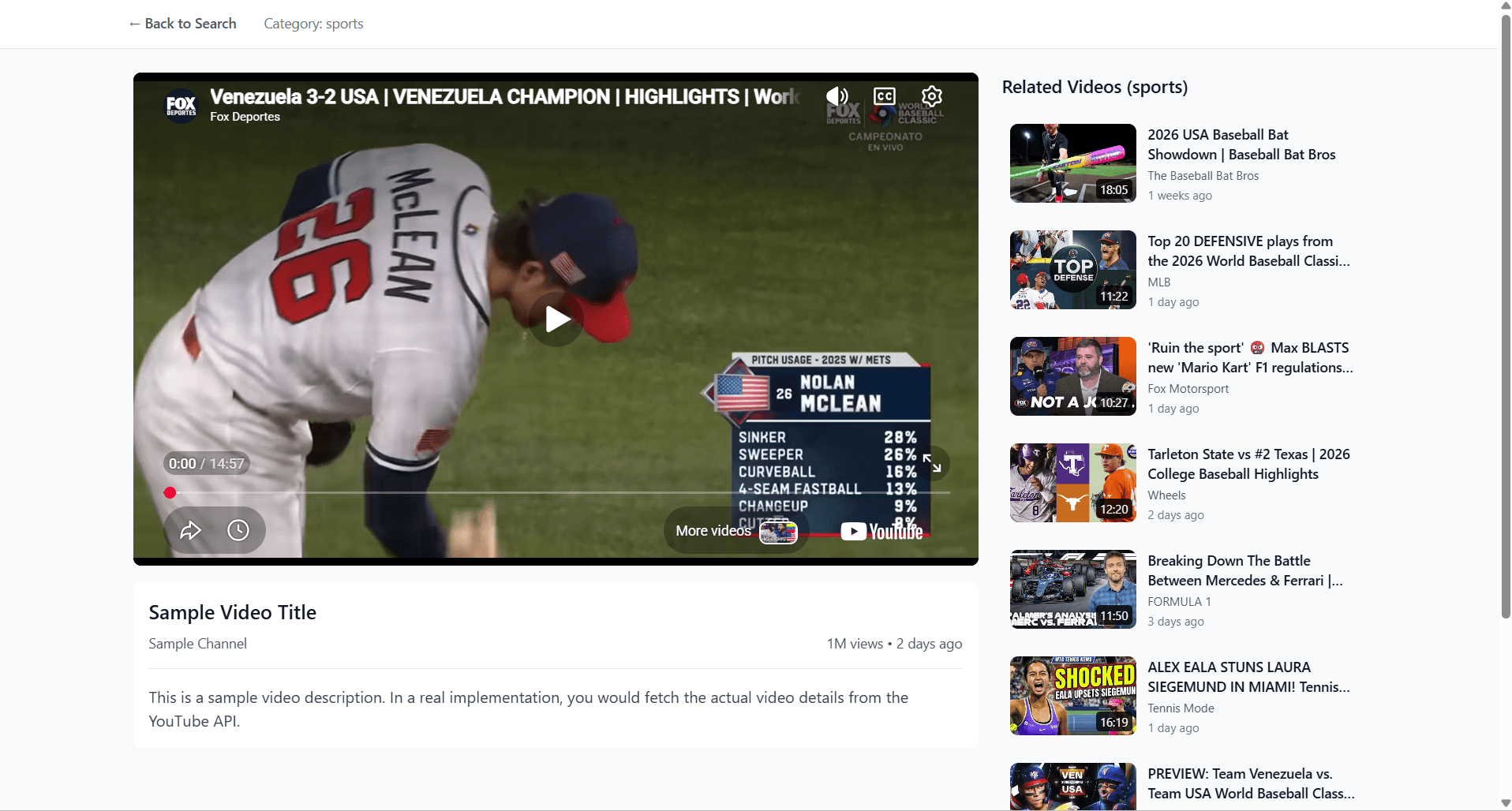
Click a video and you get a playback page with a related videos sidebar — all still filtered to your category.
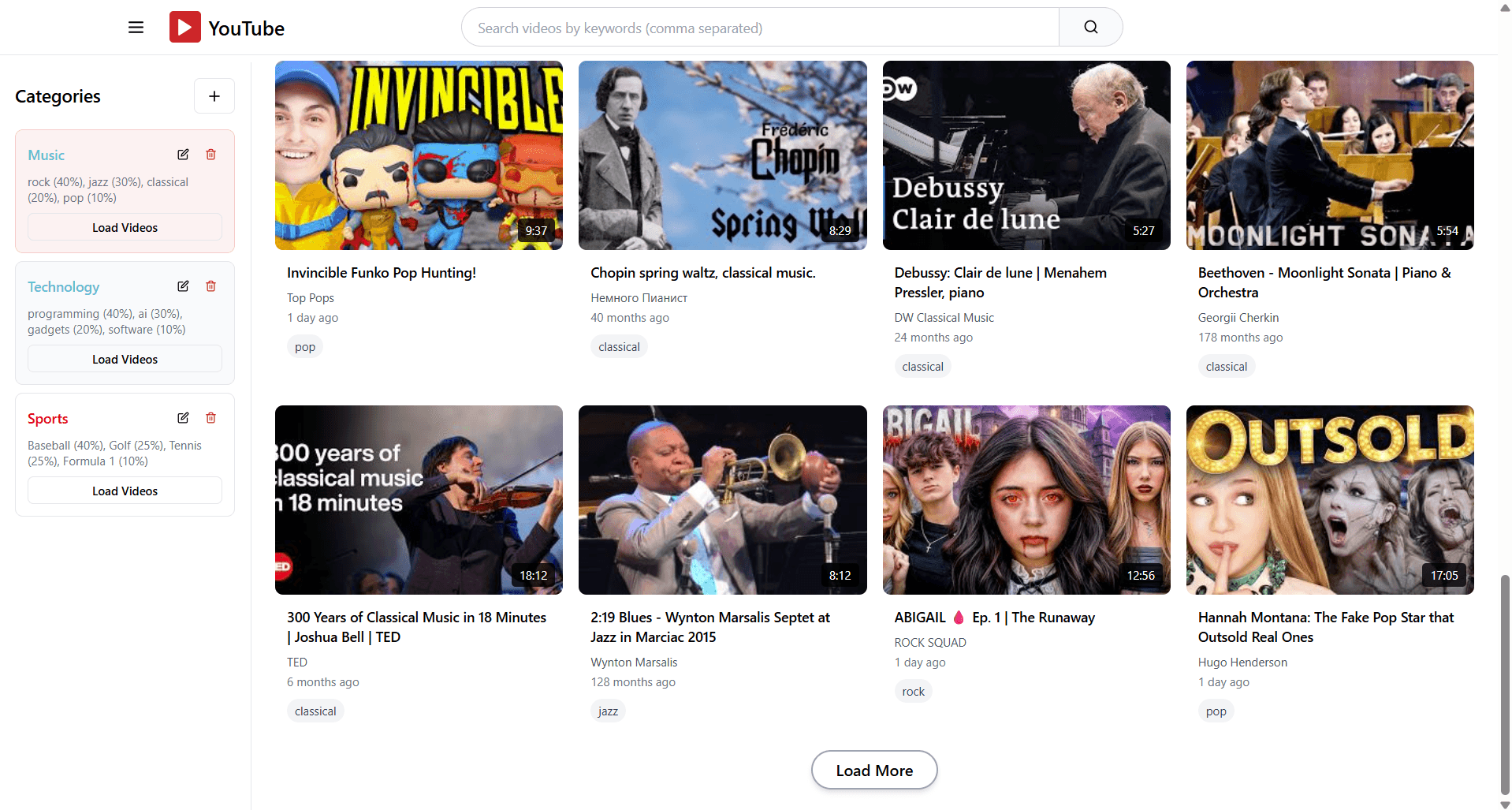
Switch to a different category and the whole feed changes. Here's the same app loaded with Music — rock, jazz, classical, pop, all weighted differently.
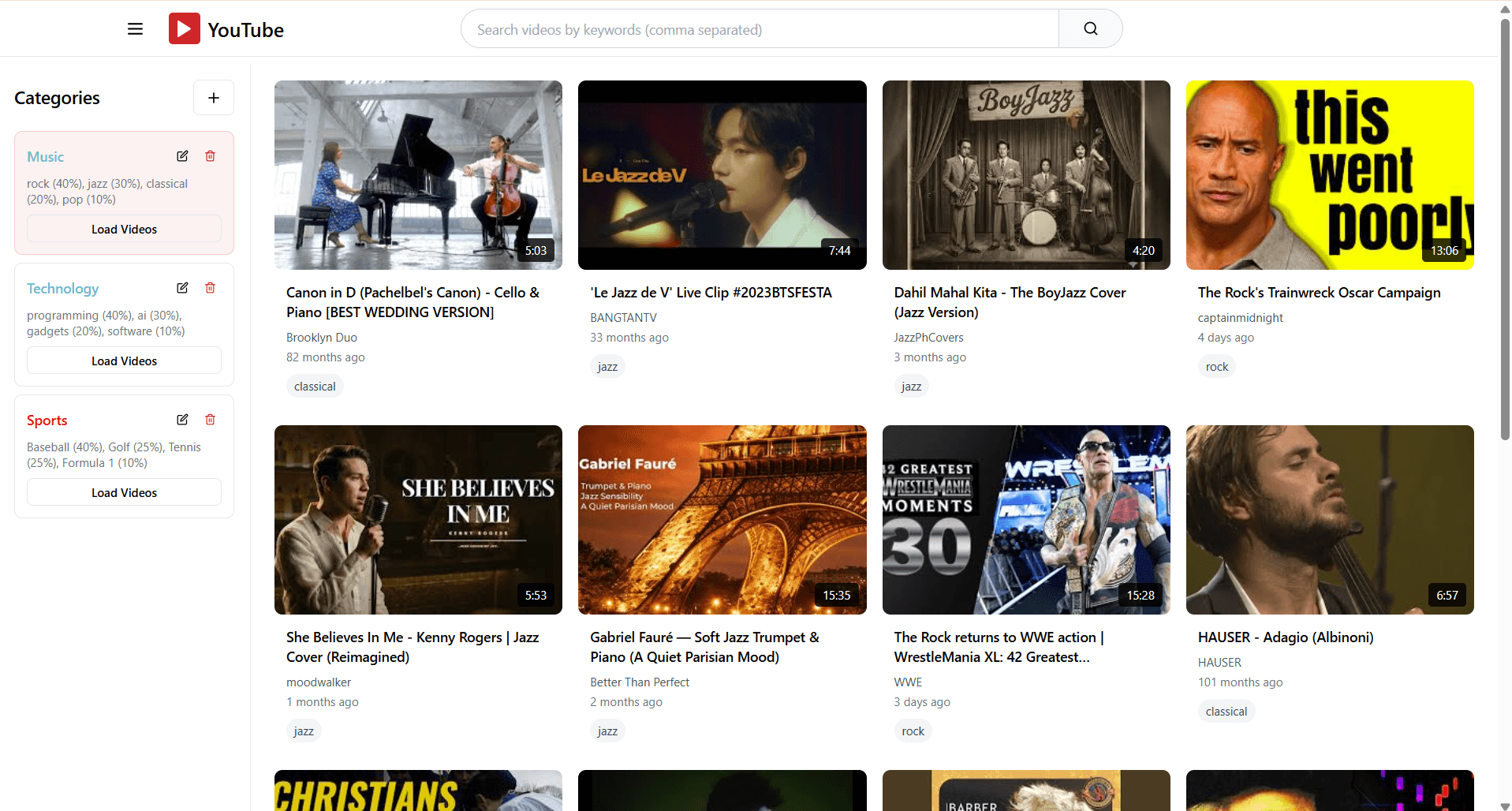
Scroll down and hit "Load More" for additional results. The weights stay consistent.
The real problem
This isn't just a YouTube thing. TikTok, Instagram Reels, YouTube Shorts — same issue. The for-you page is built around what you watched recently, not what you want right now. Short-form content moves fast, and the same stuff gets repetitive even faster.
Users don't have a way to say "I want this type of content right now." The only lever you get is your watch history, and that's a slow, blunt tool. I wanted something direct.