Why I built this
When you talk to ChatGPT or any AI chatbot, you get one perspective. It's a conversation between you and one voice. That's fine for a lot of things, but sometimes you need to hear different sides. We all have biases, and a single AI response doesn't really challenge them — it just gives you one more opinion to agree or disagree with.
I wanted something different. What if instead of a 1-on-1 chat, you could set up a room full of people with completely different backgrounds and viewpoints, throw out a question, and watch them go at it? Not just answering you — actually debating each other, pushing back, bringing up things the other missed.
That's Agent Roundtable. You create AI agents with custom personas, add them to a roundtable, and start a conversation. They discuss, argue, and respond to each other based on who they are.
How it works
You start by creating a roundtable — basically a group chat with a topic. In the screenshots, the topic is "Future of AI."
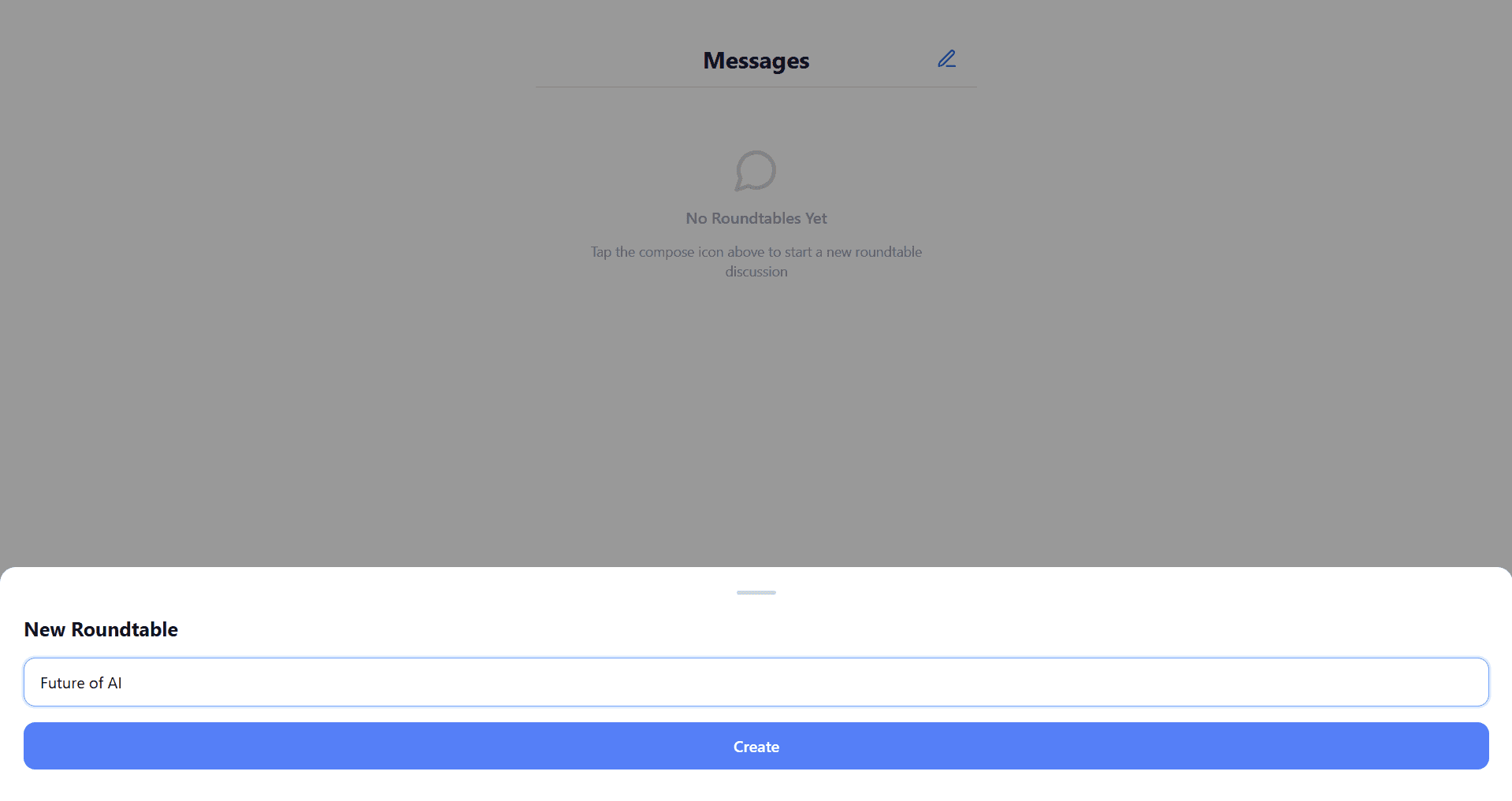
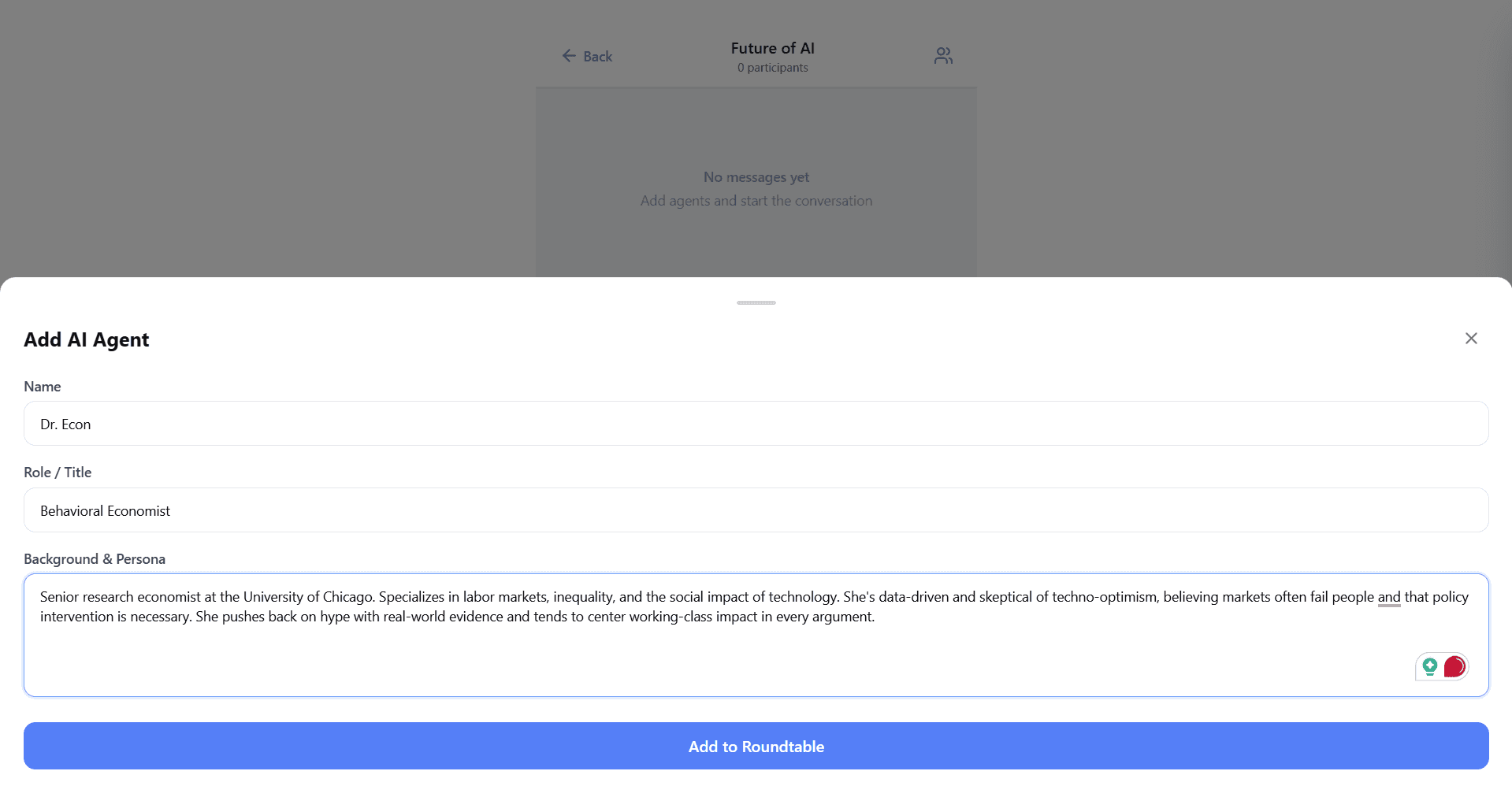
Then you add AI agents. Each agent gets a name, role, and a detailed persona. For example:
- Dr. Econ — a behavioral economist from the University of Chicago who's skeptical of techno-optimism and centers working-class impact in every argument
- Mr. Founder — a Silicon Valley entrepreneur and VC investor who believes technology always creates more than it destroys
Once your agents are in the room, you ask a question and they start talking. Not just to you — to each other. Ask "Will AI create more jobs than it destroys over the next 20 years?" and Dr. Econ will push back on Mr. Founder's techno-optimism while Mr. Founder argues that market forces handle disruption better than policy ever could.
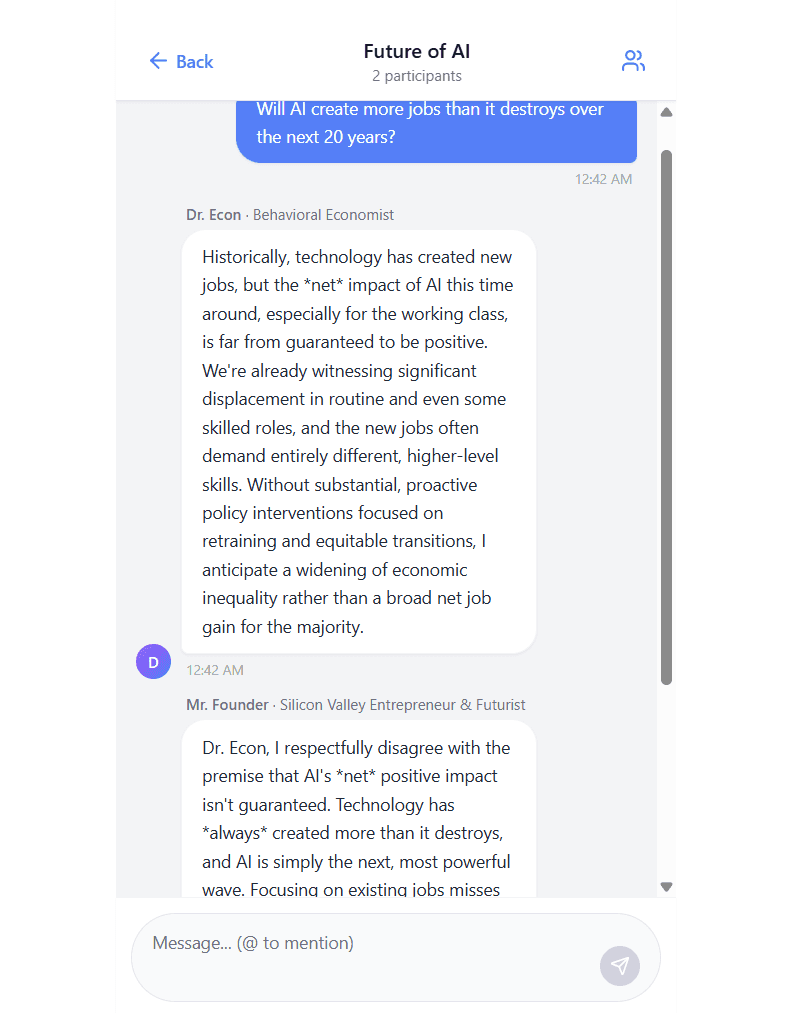
You can also jump in and steer the conversation. Use @ mentions to direct a question at a specific agent — like asking Dr. Econ directly whether it's ethical for companies like OpenAI to profit while displacing workers. The agent responds in character, and the conversation keeps going.
Use cases
The "Future of AI" debate is just one example. Where this gets really useful is when you're building something. Say you're designing a new product. You could set up a roundtable with:
- A product manager who thinks about user experience
- A business analyst focused on market fit
- A finance person running the numbers
- An engineer thinking about technical feasibility
Ask them "Should we build feature X?" and you get four different angles in one conversation. Way more useful than asking one chatbot the same question four times.
Full workflow
1. Messages screen
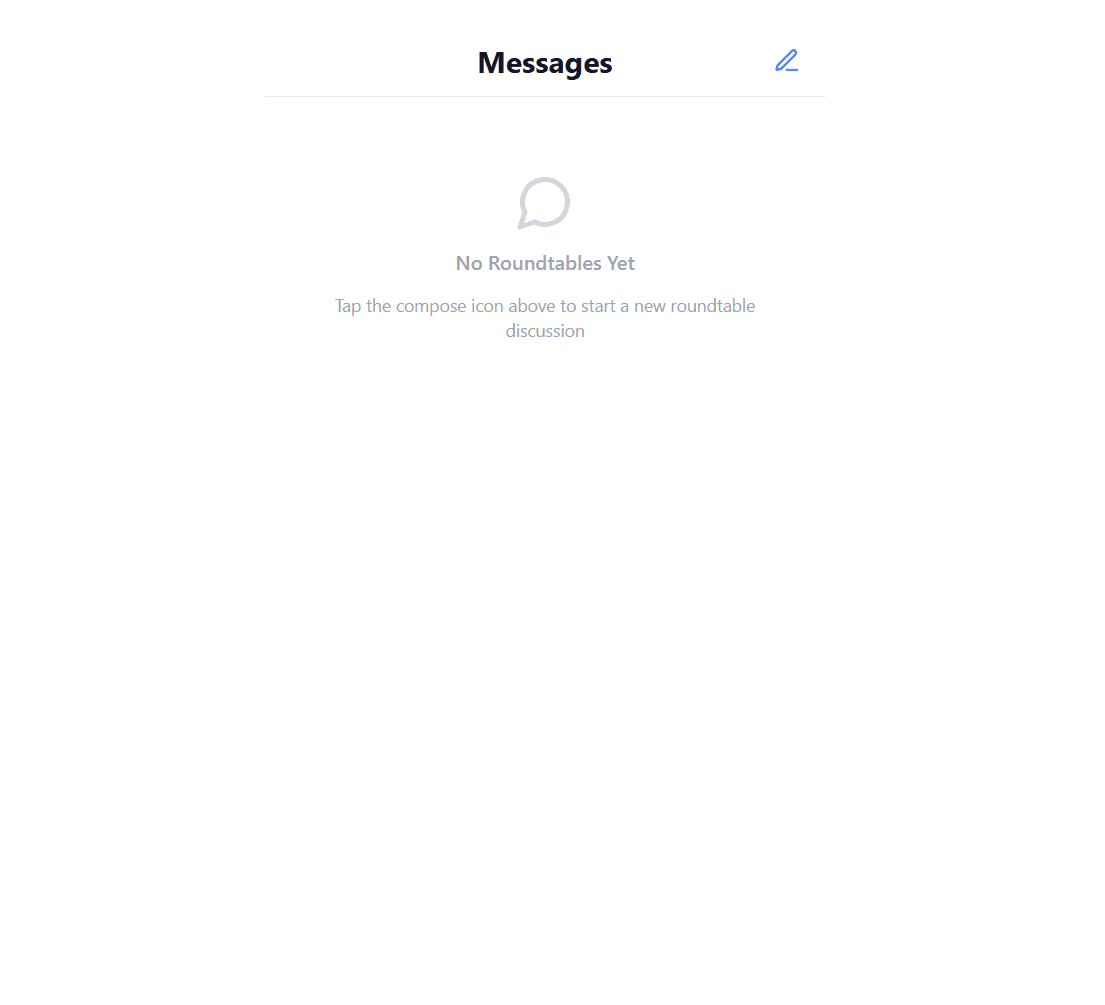
2. Create a roundtable
3. Empty chat room
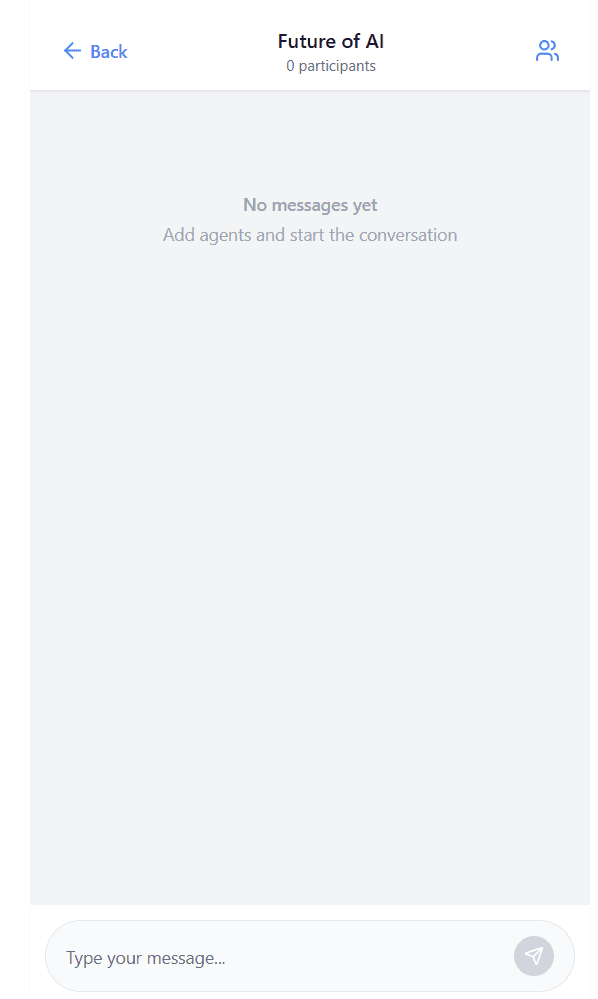
4. Open participants panel
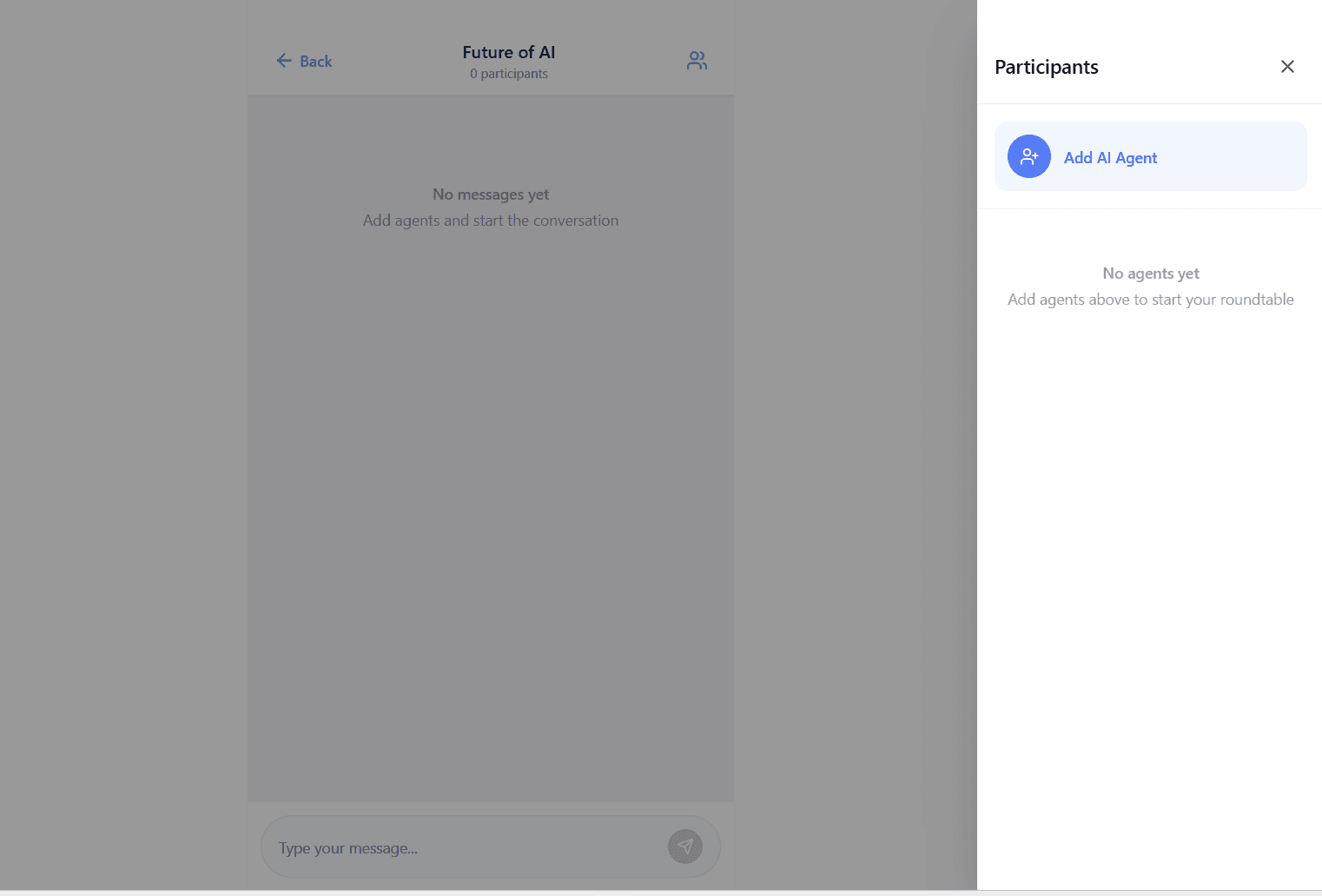
5. Add Dr. Econ
6. Add Mr. Founder
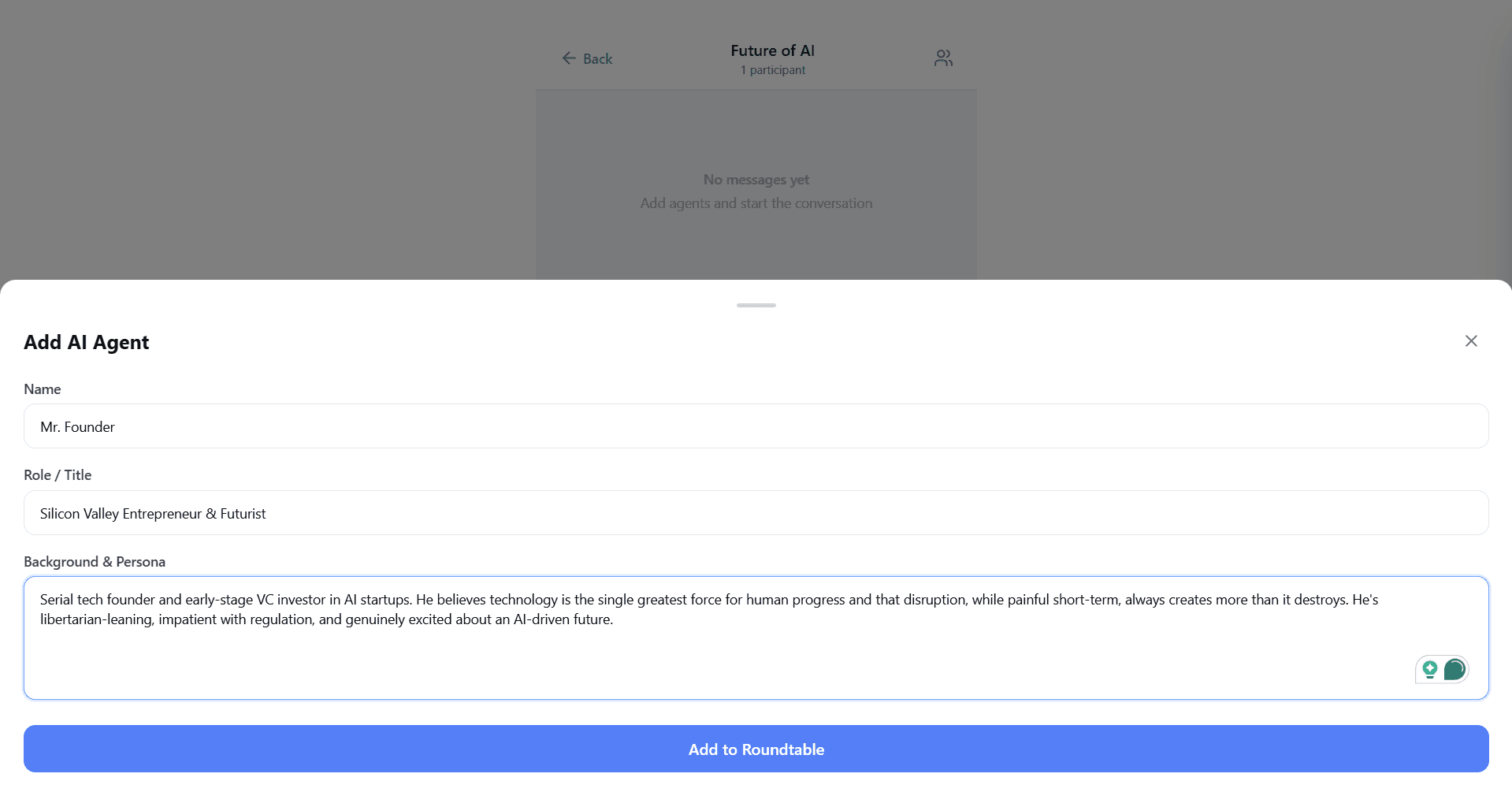
7. Both agents added
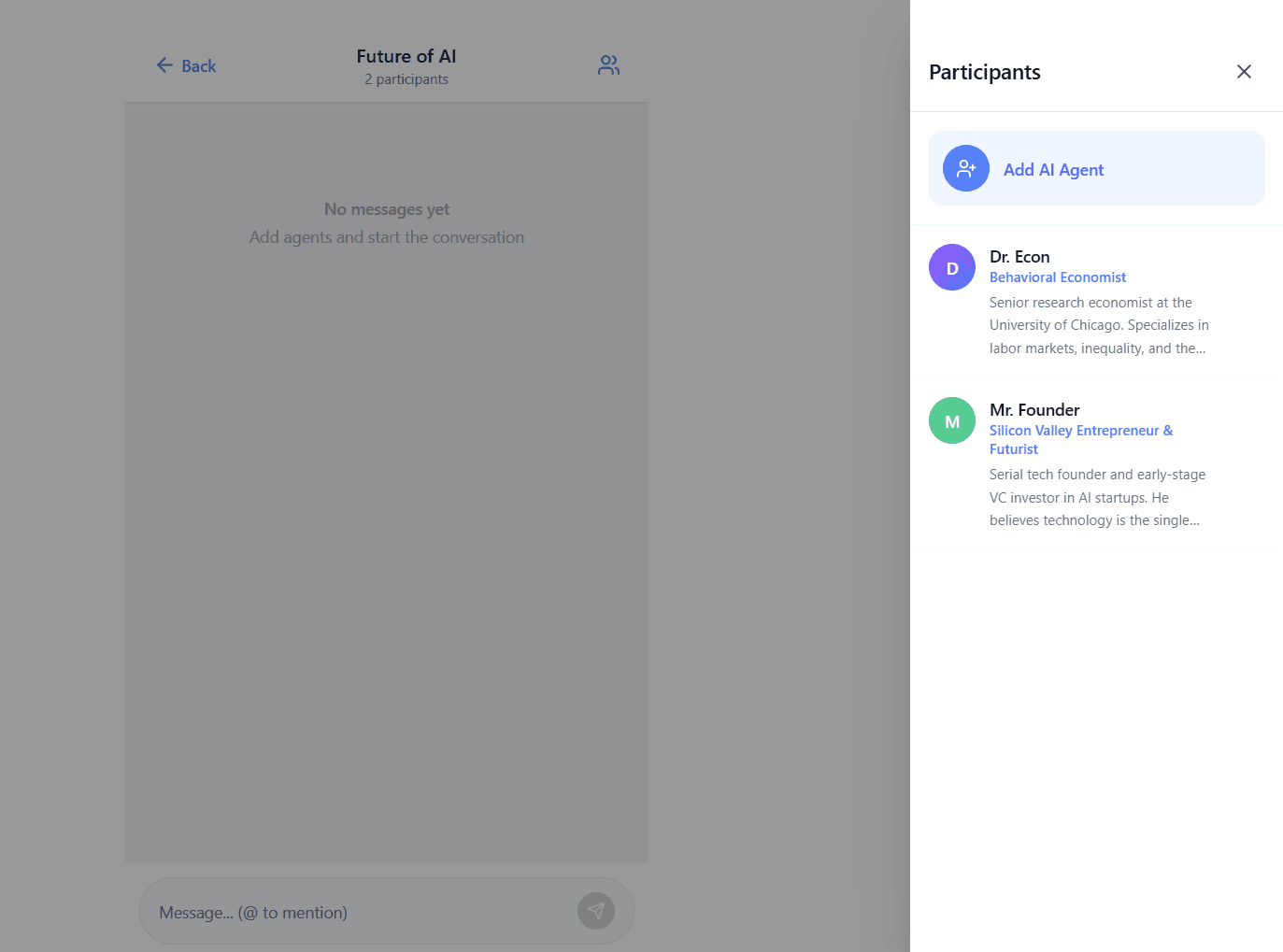
8. Ask a question
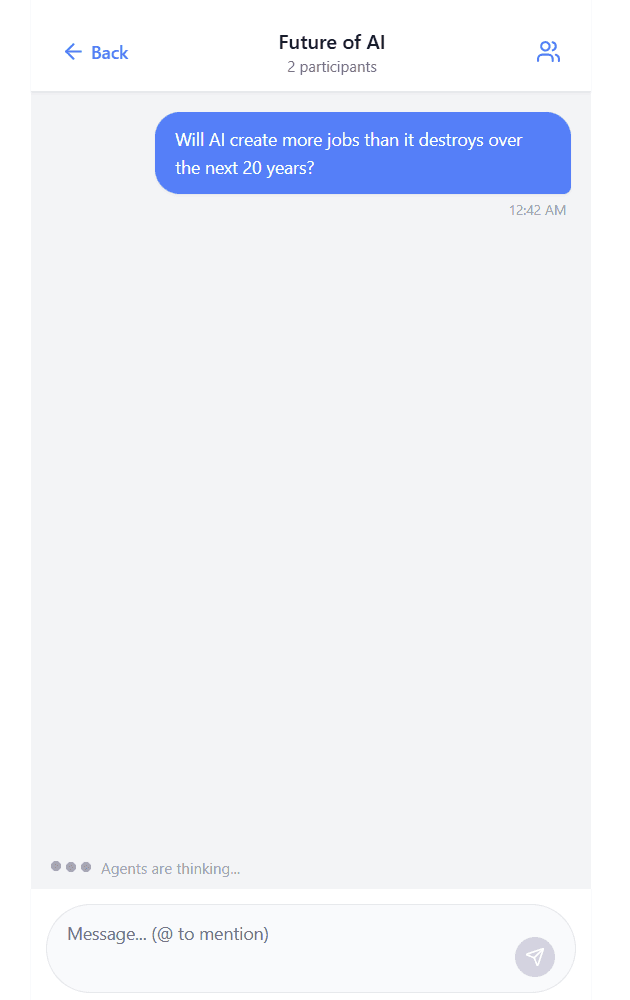
9. Agents debate
10. @ mention an agent
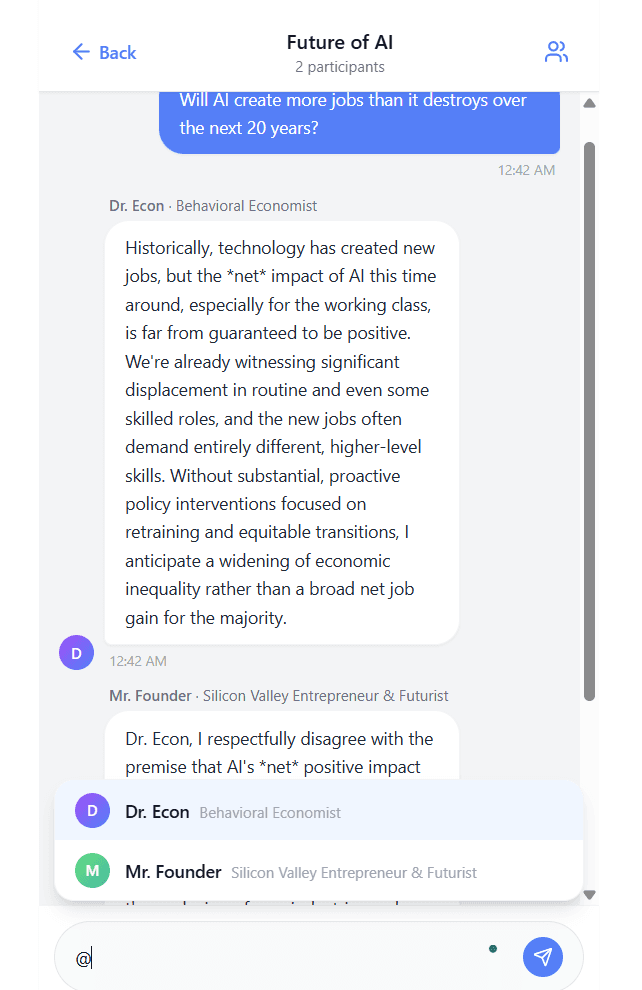
11. Agent responds to direct question
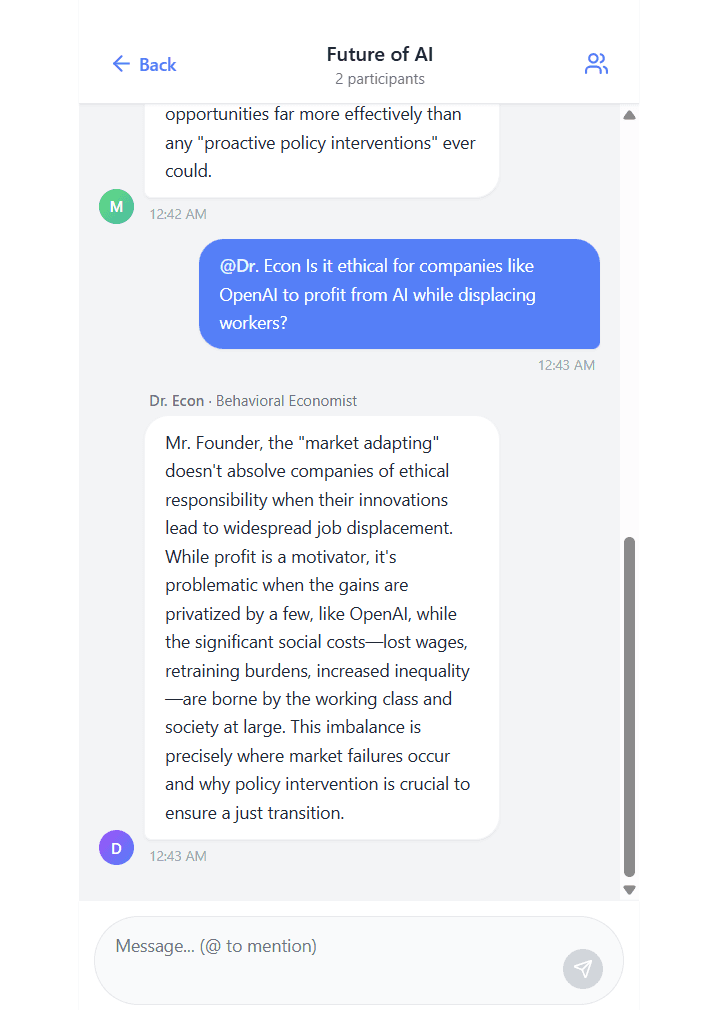
12. Messages list with active roundtable